
Related Keywords Finder
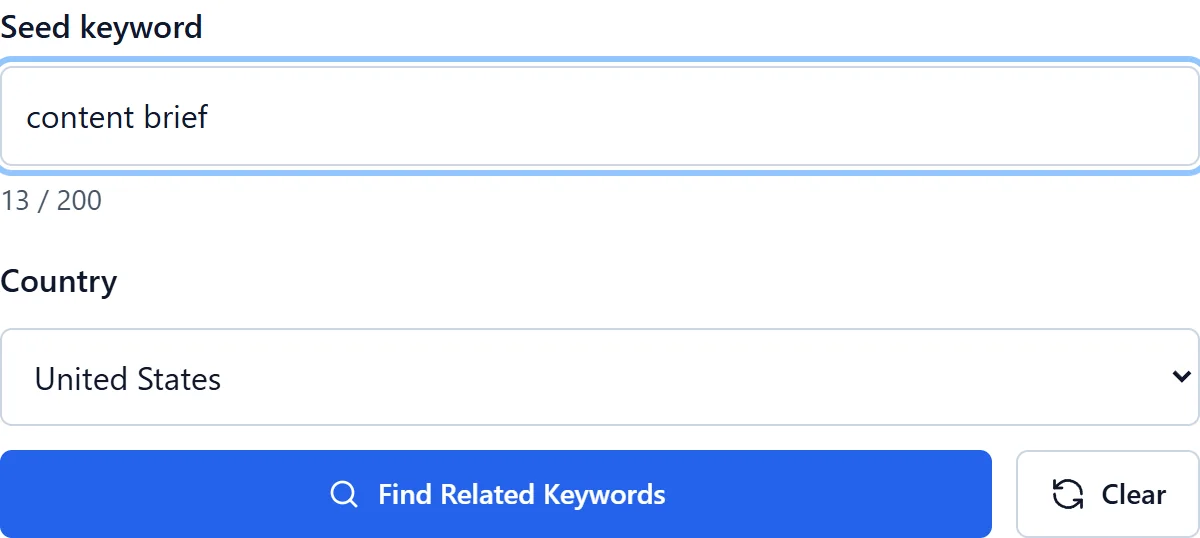
Find up to 10 topically related queries around your seed keyword.
No credit card required
Choose your target country
Copy and CSV export
Simple pricing. Powerful results.
No hidden fees. No useless features. Get started for free with zero commitments, and upgrade only when your business grows.
Save 25% with annual billing
For trying KeywordStat and getting started. Perfect for occasional keyword research.
- ✓2 free analyses per day, no registration
- ✓5 analyses per day with a free account
- ✓Up to 250 keywords per analysis
- ✓All 8 metrics: Volume, KD, CPC & more
- ✓Standard export & keyword clustering
For SEO specialists and content teams. Built for daily keyword research workflows.
- ✓100 analyses per day
- ✓Up to 5,000 keywords per analysis
- ✓All 8 metrics: Volume, KD, CPC & more
- ✓Unlimited export & keyword clustering
- ✓Priority AI processing speed
For agencies and high-volume marketing teams. Contact us for custom requirements.
- ✓Custom high-volume usage limits
- ✓Full API access
- ✓Bulk processing & automated reporting
- ✓Higher usage limits
Cancel anytime · 14-day money-back guarantee on paid plans


Continue your research
Keep your research workflow in your KeywordStat account.
Expand the topic, not just the wording
Related keywords connect a seed topic with its useful subtopics, concepts and alternative expressions. They are broader than synonyms: a query about keyword research may relate to search demand, intent, competition and content planning without those phrases meaning the same thing.
Use these connections to find gaps in a brief and questions your audience may still have. A related phrase is an idea to review, not proof of search demand or a requirement to include a particular word in every paragraph.
Turn related ideas into a useful structure
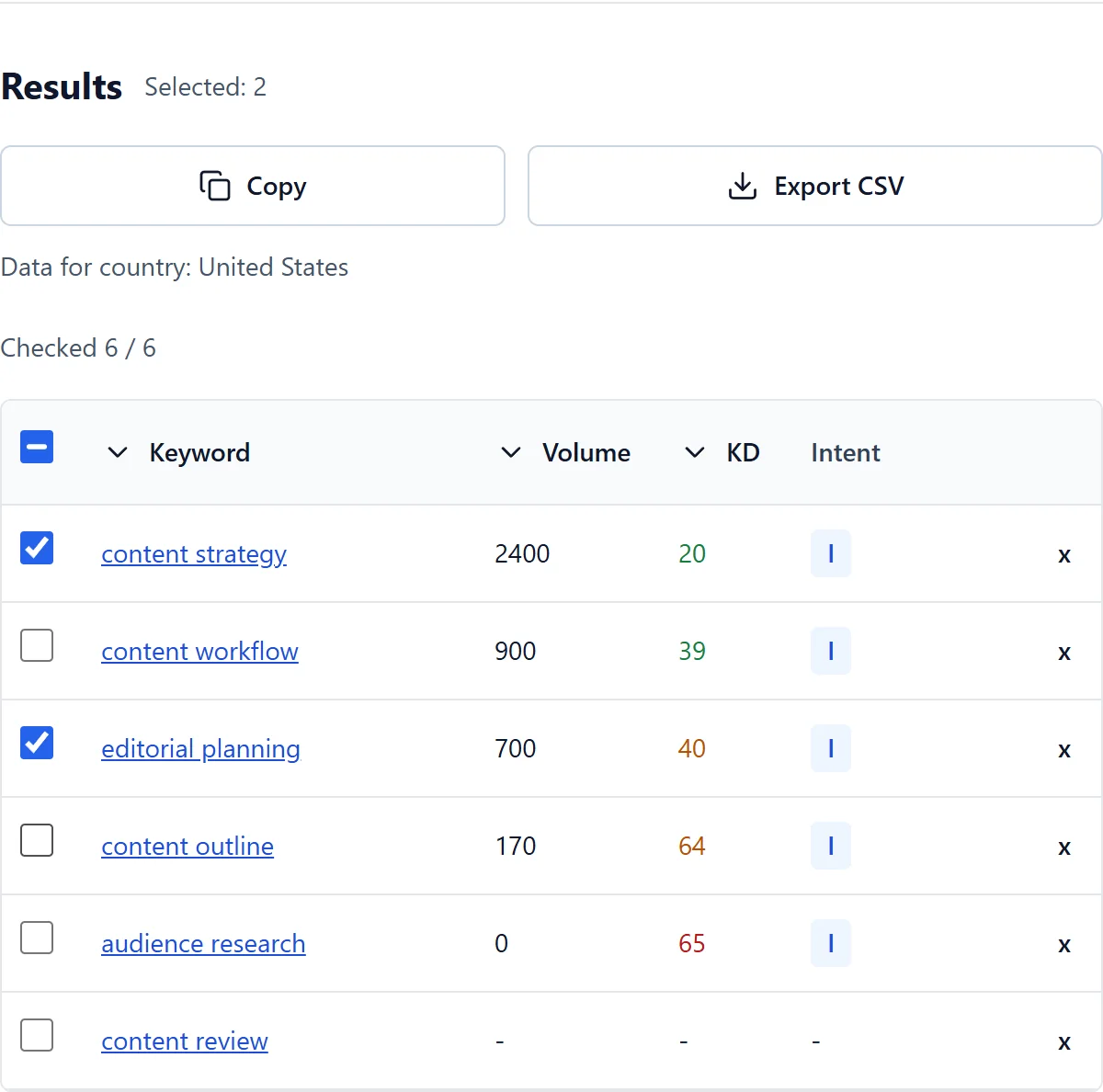
The private finder generates up to 10 ideas from one meaningful seed. It uses AI suggestions, not a live search-results crawl or an independently verified proprietary query database. Numeric fields are populated only when a matching stored record is available.
Review the resulting table, remove irrelevant ideas and select what belongs to your task before copying or exporting. A short relevant set is more useful than padding a page with every generated phrase.
Use related keywords naturally
- Choose a seed that clearly describes the topic and audience.
- Review each suggestion for meaning, relevance and the intended page format.
- Use substantial subtopics as possible headings, and supporting terms where they clarify the text.
- Combine overlapping ideas instead of making many near-duplicate pages.
Build topical coverage without keyword stuffing
A useful content structure explains related aspects of a subject and connects complementary pages when a separate page genuinely helps the reader. It is not a checklist of words that automatically produces topical authority.
Related ideas can inform a content plan, but neither the suggestion count nor the use of a term guarantees visibility. Verify demand, competition and the actual search context separately before investing in a new page.
Frequently asked questions
Do I need a credit card?
No. Free access works without a credit card within the current daily allowance.
Why are some metrics missing?
Data is not available for every keyword and country. An unavailable value does not mean zero.
Are related keywords the same as synonyms?
No. Synonyms have similar meanings; related keywords can describe different parts of the same topic, such as intent or difficulty within keyword research.
Should every suggestion appear on my page?
No. Keep only the ideas that help answer the user’s task. Remove irrelevant or repetitive suggestions and use natural wording.
Are these live autocomplete suggestions?
No. These are generated related ideas. A permitted autocomplete source is a separate capability and is not replaced by AI output.