
LSI Keywords Generator
Explore up to 20 topical terms and concepts around a seed topic. Copy the list or export CSV.
No credit card required
Choose your target country
Copy and CSV export
Simple pricing. Powerful results.
No hidden fees. No useless features. Get started for free with zero commitments, and upgrade only when your business grows.
Save 25% with annual billing
For trying KeywordStat and getting started. Perfect for occasional keyword research.
- ✓2 free analyses per day, no registration
- ✓5 analyses per day with a free account
- ✓Up to 250 keywords per analysis
- ✓All 8 metrics: Volume, KD, CPC & more
- ✓Standard export & keyword clustering
For SEO specialists and content teams. Built for daily keyword research workflows.
- ✓100 analyses per day
- ✓Up to 5,000 keywords per analysis
- ✓All 8 metrics: Volume, KD, CPC & more
- ✓Unlimited export & keyword clustering
- ✓Priority AI processing speed
For agencies and high-volume marketing teams. Contact us for custom requirements.
- ✓Custom high-volume usage limits
- ✓Full API access
- ✓Bulk processing & automated reporting
- ✓Higher usage limits
Cancel anytime · 14-day money-back guarantee on paid plans


Continue your research
Keep your research workflow in your KeywordStat account.
Explore the concepts around your topic
In everyday SEO language, LSI keywords often means related terms that help explain a subject. It does not mean Google supplies a required LSI word list or a score that can be maximized by inserting enough terms.
For a keyword-research topic, relevant concepts might include demand, intent, difficulty and content planning. They complement the subject rather than act as direct synonyms or mandatory phrases to repeat.
Use a semantic list as a research aid
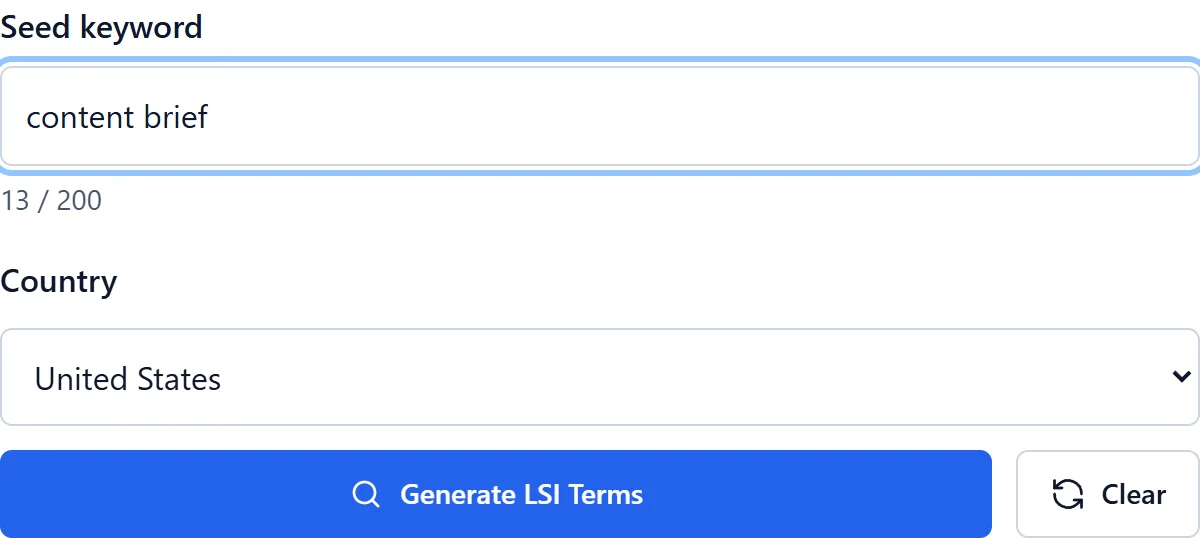
Enter a meaningful topic to generate up to 20 terms and concepts. This private preview uses AI ideas, not a live crawl of competing pages or a measurement of Google’s internal systems. A narrow subject can legitimately return fewer terms.
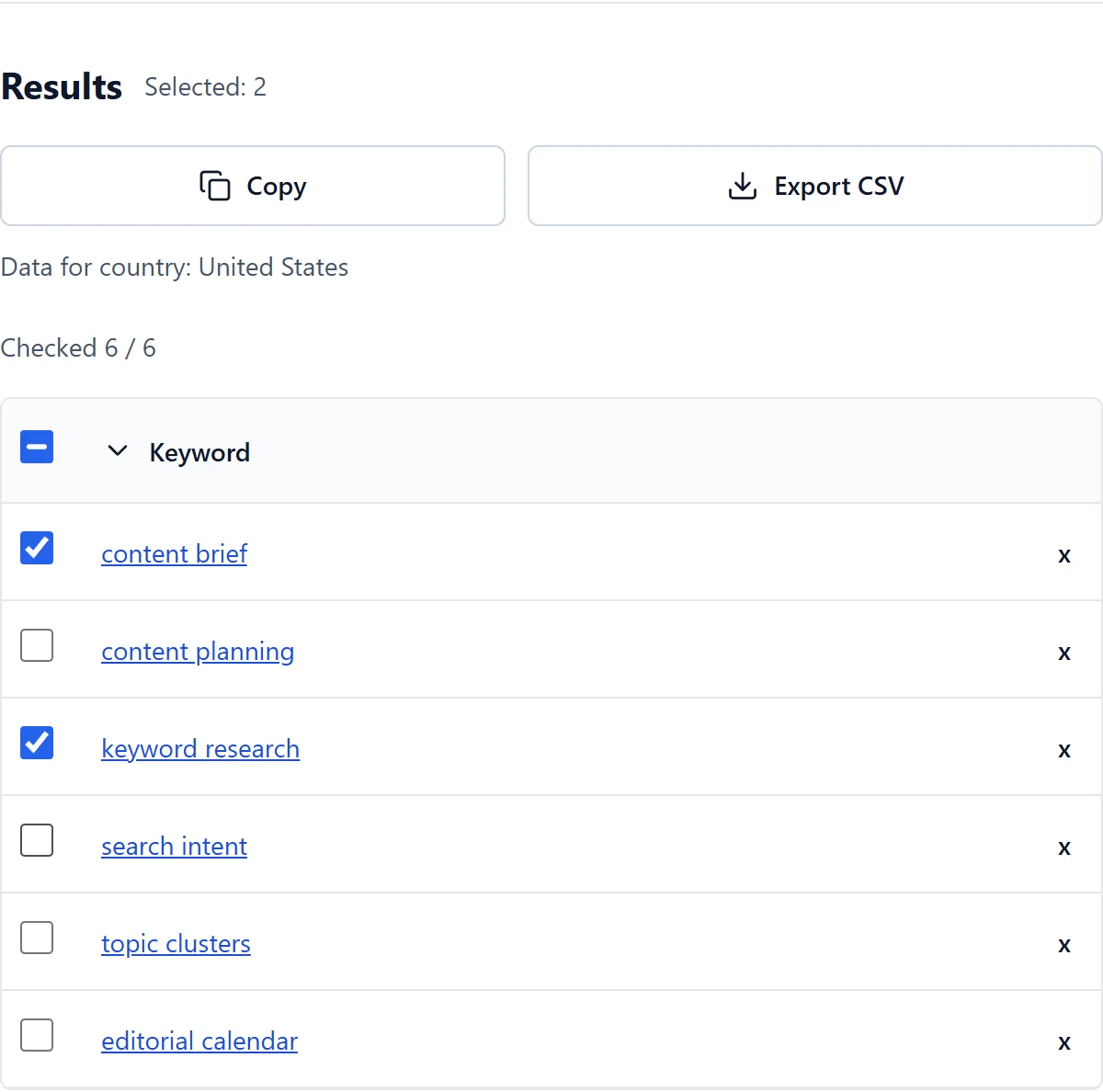
Review each suggestion before copying or exporting the list. Remove weak associations, duplicates and concepts outside the page’s purpose. The tool does not need to fill every available row for the result to be useful.
Add context without forcing terminology
- Start with a clearly scoped topic rather than an ambiguous single word.
- Choose concepts that explain useful aspects of the user’s task.
- Use relevant concepts in headings, examples and explanations where they fit naturally.
- Read the finished text for repetition, clarity and missing answers, not a target keyword density.
Natural coverage matters more than a term count
A semantic list helps discover gaps in a brief, but it does not replace subject knowledge or fact checking. Some concepts need a substantial explanation; others may not belong on the page at all.
There is no universal quota of LSI terms or keyword-density percentage in this tool. Adding every suggestion does not guarantee a ranking, an AI Overview citation or a click. Prioritize an accurate answer and a clear structure over mechanical inclusion.
Frequently asked questions
Do I need a credit card?
No. Free access works without a credit card within the current daily allowance.
Should I review the results?
Yes. AI can be wrong. Review relevance and grouping manually. Missing search volume does not mean zero.
Is LSI a Google SEO score?
No. Here LSI is a conventional label for topical semantic ideas, not a Google score or a list of required ranking terms.
Are all suggested terms synonyms?
No. A related concept can describe another aspect of the subject rather than replace the seed word in a sentence.
How many terms should I include?
There is no fixed quota. Use only terms that help the reader, and leave out anything repetitive, inaccurate or irrelevant.